

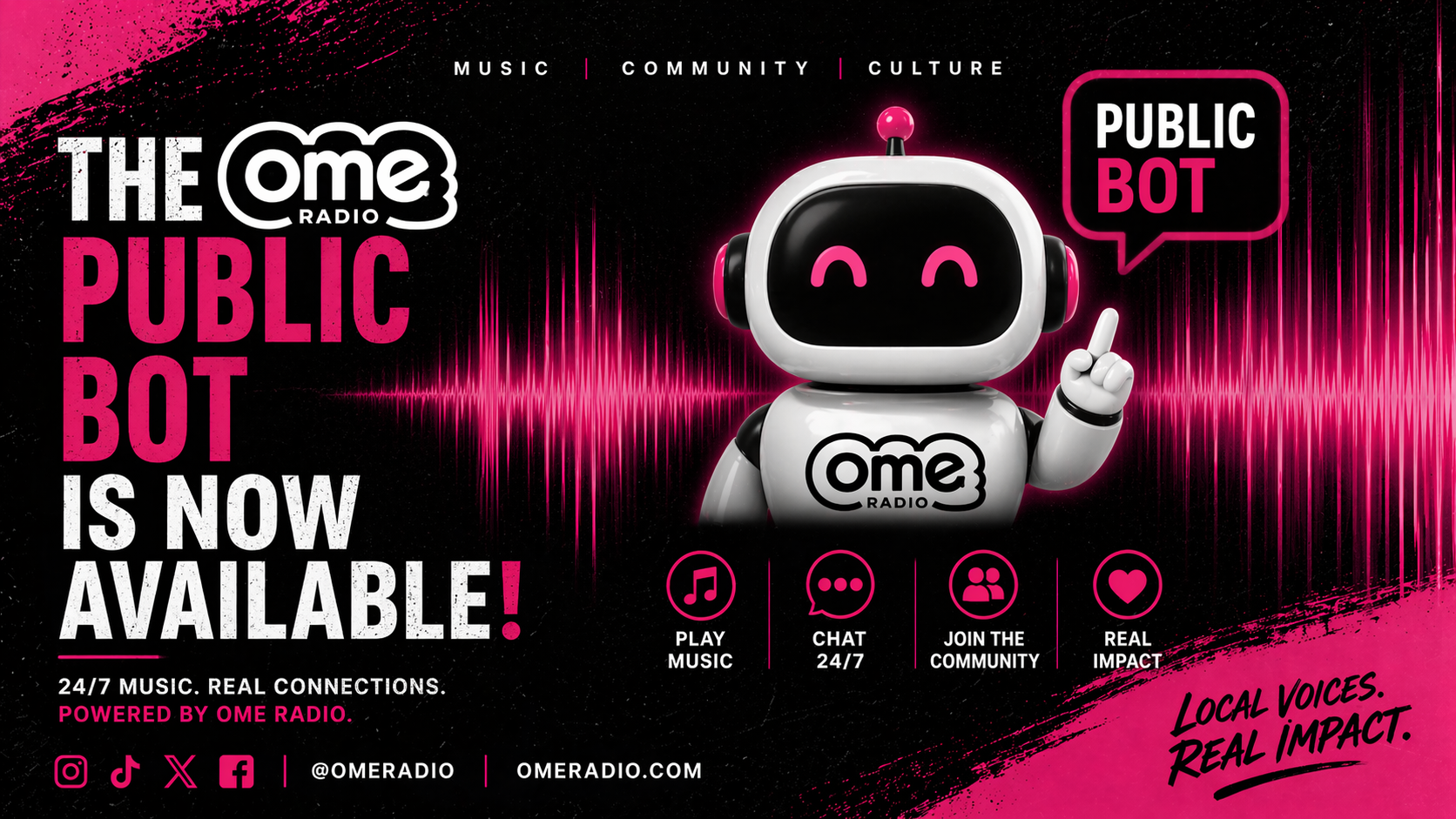

You can now bring OME Radio directly into your own Discord server - listen live in voice channels, check what’s playing, view the schedule, request songs, send shoutouts, and more, all without leaving Discord.
Key Features
- 🎧 Listen to OME Radio live in any voice channel
- 🎶 See what’s playing right now
- 📝 View recently played tracks
- 🎙️ Check who’s on air
- 📅 Browse today’s show schedule
- 🎵 Request songs
- 📣 Send shoutouts to the DJ
- ⚙️ Full slash-command support
- 🔐 Minimal, privacy-friendly permissions
Admin Tools
- /set-home-channel
- /set-nowplaying-channel
- /settings
The bot only requests the permissions it needs - no message reading, no member data, no presence tracking.
👉 Add the bot to your server:
https://www.omeradio.com/bot/invite
Need a bit more information?
Great, head over to our Bot Info page for information on how to work the bot, and what permissions it gives etc.
Tune your community into OME Radio.